






Why the right travel apps matter
A handful of good travel apps can replace the guidebook, the printed tickets and the phrasebook. You do not need dozens: a small, well-chosen set of essential travel apps covers planning, booking, getting around, money and memories. This guide walks through each category, names apps that really do the job, and says what to look for.
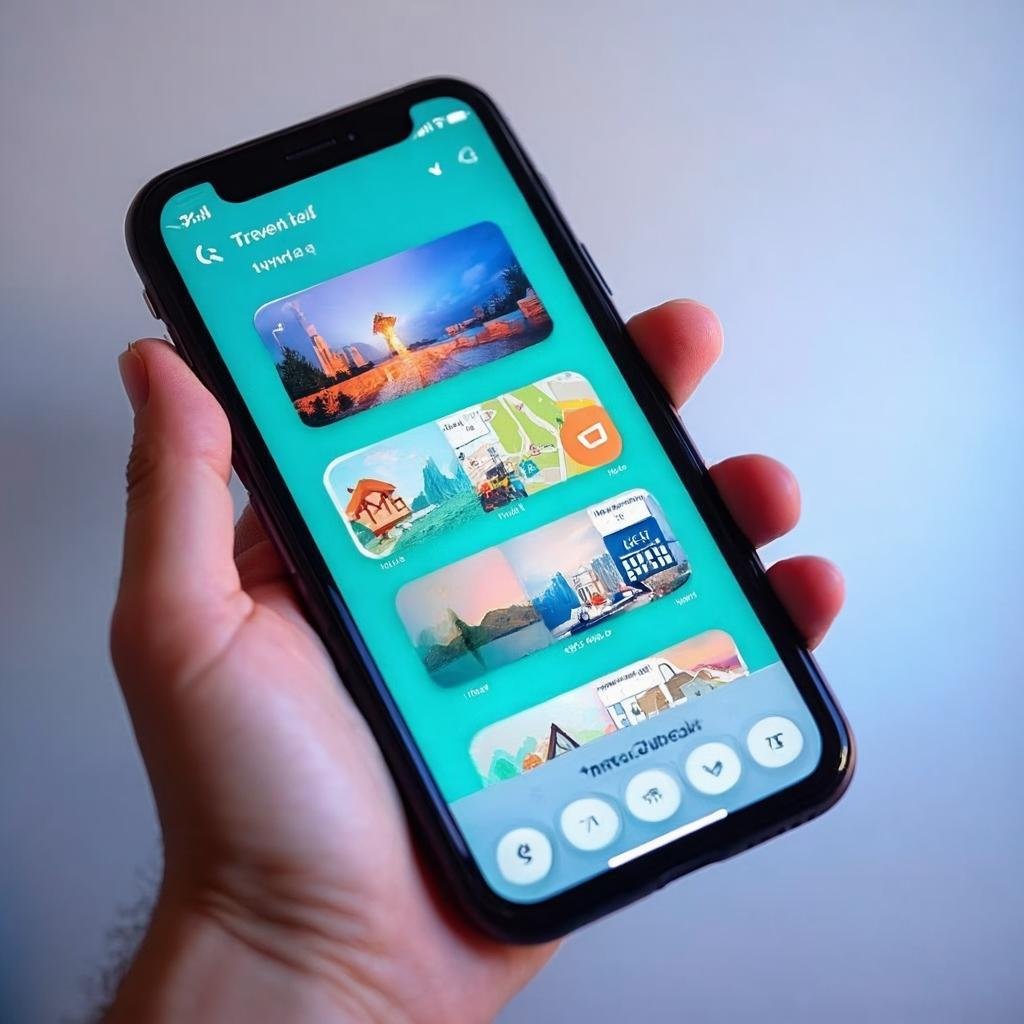
Trip planning apps
What to look for: a day-by-day plan you can change easily, a sense of distances between stops, and a place for the practical side of the trip – packing, budget, documents.
ToTourist (Android) is our own app, so take this with that in mind. You enter where and when you are going, and it builds a trip page with the plan, packing list, budget, travel documents and a map. Day plans show stops by day, which you can reorder by dragging, with walking and driving times between them – and the AI can fill in the days if you like. There is no account: your data stays on your phone. ToTourist on Google Play.
Booking apps for flights, stays and transport
Flights: look for flexible-date search and price tracking. Google Flights lets you track prices for a route or a specific flight and sends email updates when the price changes significantly – useful when you are not ready to book yet.
One app for most bookings: Trip.com covers flights (including multi-city searches), hotels, trains, car hire, airport transfers and tours, so one booking account can hold most of a trip.
Accommodation: whatever platform you use, compare the total price with all fees, read recent reviews and check the cancellation terms before you pay. In ToTourist you can open stays and activities for your destination from the trip page; the booking itself happens on the partner site (Booking.com, GetYourGuide or Trip.com).

Navigation and offline maps
Google Maps lets you download an area as an offline map before you travel. Offline, it can still give driving directions within the downloaded area (without traffic information), but walking, cycling and public transport directions need a connection – so plan those routes while you are online.
ToTourist also downloads an offline map of your destination: download it once, and it works without internet on the way.
Public transport: many cities have an official transit app with timetables and mobile tickets. Look up the one for your destination before you go – it is usually linked from the city’s or the transport operator’s website.
Language and translation
Google Translate lets you download languages to your phone so you can translate without an internet connection. Some downloaded languages also work with instant camera translation – handy for menus and signs.
Things to do and local discovery
For popular sights, timed tickets are often the only way in, so book the ones that matter to you before the trip. Trip.com things to do lists tours and attraction tickets for many destinations.
On the ground, ToTourist’s Nearby shows sights, restaurants, cafés, pharmacies and toilets around you – the last two are the ones you will be glad of at the worst possible moment.
Money and budget
A budget only works if you keep an eye on it during the trip. Look for an app that lets you set a trip budget and see what you have spent so far. ToTourist has a budget on the trip page and a currency converter with 63 currencies, which uses the last downloaded rate when you are offline.
For more ways to keep costs down, see our budget travel tips.
Organisation and travel documents
Trip organisers: TripIt builds an itinerary from your booking confirmations – you forward the confirmation email to plans@tripit.com and it is added to your trip.
Documents: keep copies of your passport, insurance and bookings where you can reach them offline. ToTourist stores travel documents encrypted on your phone.
Travel journal: a few lines a day keep memories from blurring. Our guide to the ToTourist travel journal shows how to save notes, photos and places, and export them as a PDF.
Building your travel app toolkit
- Core: one planner, one offline map, one booking app, one translator.
- Per destination: the local transport app and any app the country itself recommends for entry or payments – check official sources.
- Less is more: every app should do a job none of the others does. Too many apps mean too many notifications.
- Prepare before you leave: download offline maps, translation languages and your tickets while you are on Wi-Fi.
Your next step
Pick one app from each category, set it up before your next trip, and try it at home first. The right set of apps should make travel calmer, not busier.
Some links in this article are affiliate links: if you book through them we may earn a small commission, at no extra cost to you.